The way your blog is formatted influence the level of engagement and intrigue in the content. Thoughtful spacing assists in dividing dense text, lead a reader through sections, and make content easier to absorb.
The content strategists at Textuar carry out various formatting optimization techniques to make reading easier, facilitate mobile browsing, and reinforce key ideas. This also helps in enhancing the accessibility and searchability of content.
Read on to know more about how experts format a blog that pulls a reader closer to a brand.
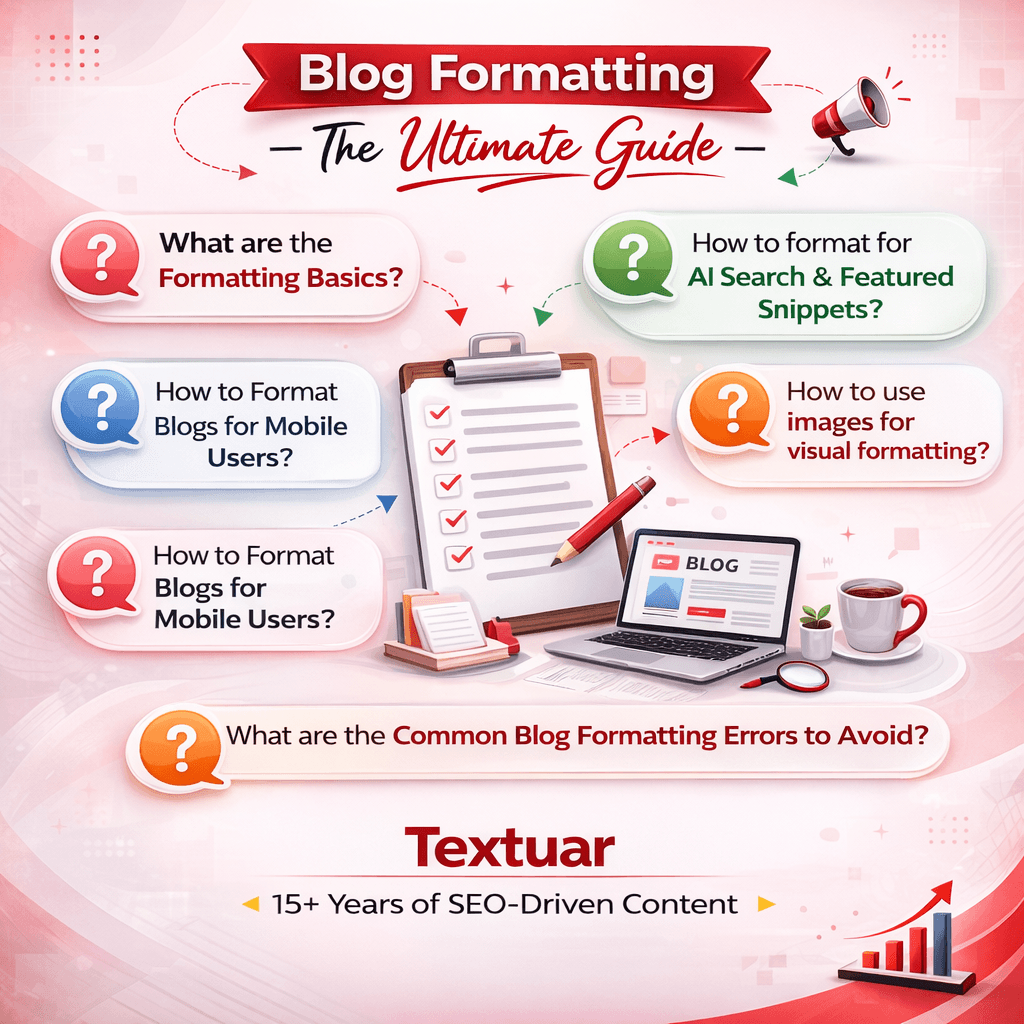
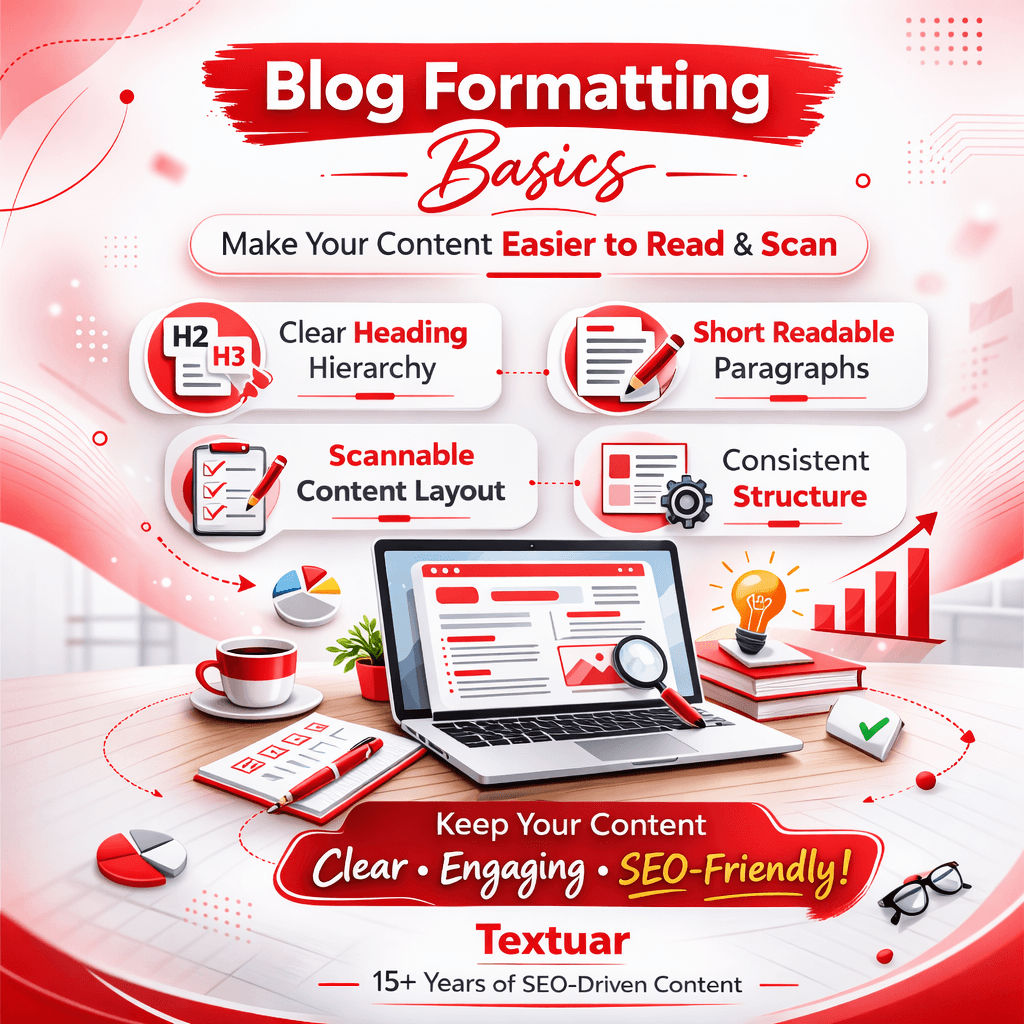
How to do Blog Formatting – The Basics
Good blog formatting is based on a few principles that form the basis of information flow and consumption of content. When it is combined with these elements, your content becomes easier to read, scan, and comprehend. They assist readers to remain active and contribute to improved search and AI visibility.
1. Clear Heading Hierarchy
It has a logical structure of headings and it allows the reader to grasp within a few seconds how the information is planned. The constant use of H2 and H3 headings also creates a visual roadmap that guides the reader. As a result, it simplifies complicated topics to enhance readability and search engine visibility.
2. Readable Paragraph Format
Well-organized paragraphs are short in length, and they simplify reading the content of blogs on digital screens. The use of two or three sentences per paragraph avoids visual fatigue. It keeps the readers flowing freely through the information provided and enabling each idea to stand out clearly.
3. Content Scannability
Many readers first scan the blog post and then decide whether to read them. The scannable formatting involves the use of subheadings, lists, bold highlights, and spacing clarity. They assist the reader to find critical points as fast as possible and still have a smooth reading flow.
4. Consistent Layout Structure
Layout consistency makes the readers feel at ease when navigation your blog. The consistency of headings, spacing, images, lists allow the readers to concentrate on the information being presented instead of trying to understand the pattern in which the information is presented.
How to Format Blogs for AI Search, Featured Snippets and Voice Results
The search engines increasingly deliver answers directly through AI summaries, featured snippets and voice assistants. By posting your blog using clear structures, informative responses, and question-based headings, you are more likely to get the contents of your blog extracted and displayed by the search engine as a reliable source of information.
1. Use Question-Based Headings
Question-style headings is what people use in search engines and how voice recognition software interprets the question. Breaking the sections into clear questions assists the search engines to detect direct answers. Such structuring gets your content listed in featured snippets and conversational AI results.
2. Give Concise Answer Paragraphs
Snippet eligibility is enhanced by short answer blocks that are placed right after a heading. A clear two or three sentence explanation provides search engines with a direct definition or answer to be extracted. In this way, you are more likely to have your content featured in AI summaries and quick answers.
3. Structure Content for Easy Extraction
Formatting allows the search systems to find important information quickly. You can organize content blocks by using lists, short paragraphs, and clear headings. These can be readily interpreted, summarized, and presented in the search results or answer-based interfaces by generative AI engines.
4. Use FAQs to answer conversational queries
FAQs sections align naturally with the way people ask questions in voice search. Search and answer engines can recognize the format when you formulate questions in a clear and simple way and give the direct answers under questions. This enables them to surface your content to long-tail and conversational search queries.
5. Use Structured Data and Clear Formatting Signals
Formatting and schema markups will assist search engines in more accurate interpretation of your content. There are strong indicators of elements like FAQ schema, headings clearly labeled and logical content hierarchy. They increase your likelihood of making it to featured snippets and AI-generated search summaries.

How to Format Blogs for Mobile Users?
The share of blog traffic presently is quite significant on mobile devices. When your content feels dense, or is hard to scroll through on a small screen, readers tend to leave quickly, thus leading to traffic decline. Mobile-friendly formatting enhances more readability, retains the users and improves better search performance.
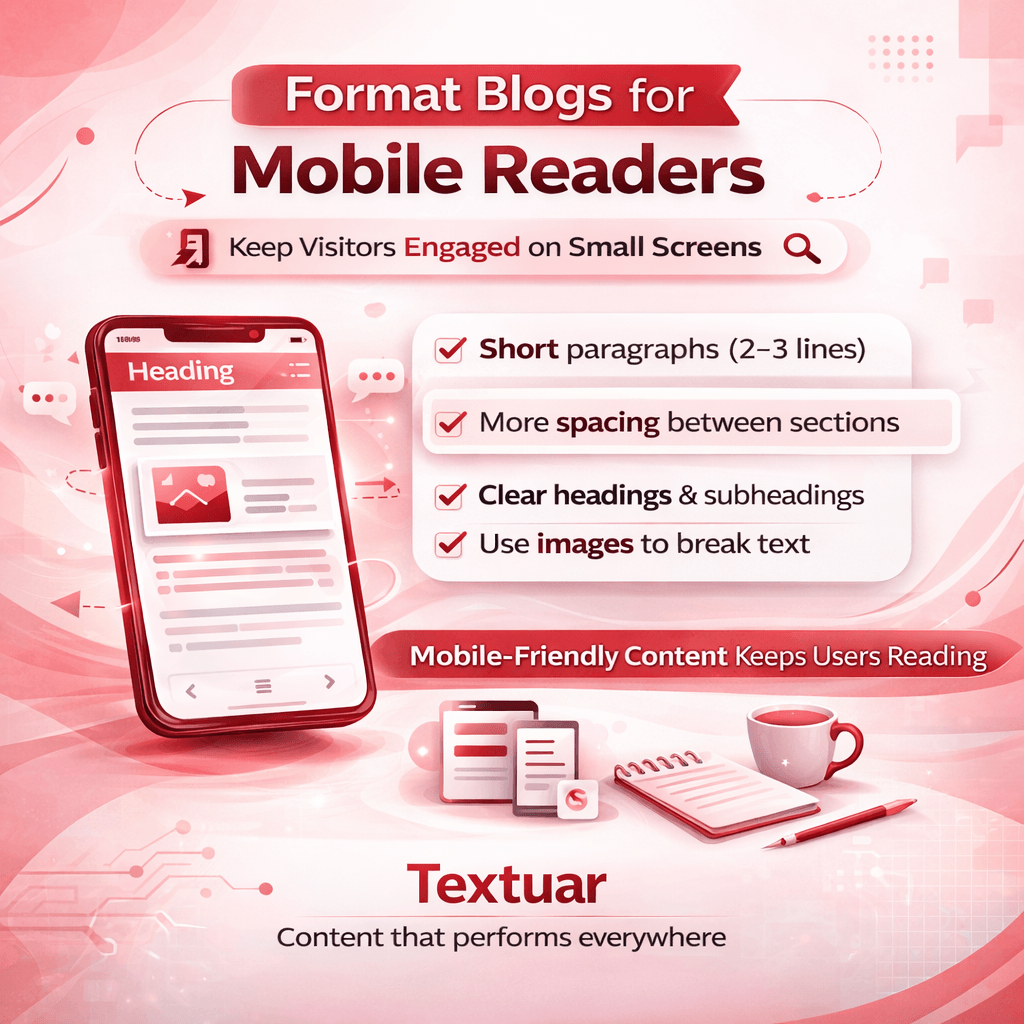
1. Use Shorter Paragraphs for Small Screens
Mobile readers prefer small text blocks which they find easy to scan. Paragraphs should not be more than two or three lines. This way, the screen will not look cluttered and the reader can read through contents without experiencing the huge walls of texts that can potentially overwhelm them.
2. Add More Space Between Sections
Mobile screens have more clarity and visual comfort with white space. Enough spacing between headings, paragraphs as well as lists offer breathing room within the layout. With such formatting, the readers can easily differentiate sections to ensure that the whole blog post looks more structured and readable.
3. Focus on Scannable Headings and Subheadings
When you started with this blog, you might have scanned the headings first before deciding that the content is worth your time. Good headings make the mobile users find the information they seek fast. By summarizing the section with headings, it takes the reader less time to go through the article and find the content he is interested in because he does not have to go through all the paragraphs one by one.
4. Add Images in the Content
Well-placed images break the long text sections and maintain reader attention on the small screen. Including visuals between the key sections or following major explanations gives the layout some variety. It is also used to reinforce ideas and enhance the overall reading process.
Positioning of images in between
Images do more than merely decorate a blog post. When used strategically, they lead readers through passages, minimize visual stress and support major points. Placing images strategically also enhances the readability within the mobile devices, where the accessibility and search engine optimization are also backed by the appropriate optimization measures.
Here are some ways to get this done.
1. Insert Pictures between Headings to Present New Sections
When you place an image below an H2 or H3 heading, it visually signals the start of the new section. This method divides the blocks of the text and prepares the readers for the information that will follow. This step increases readability and interest.
2. Break Long Texts with Images
In case there are several paragraphs in a section, it is possible to place an image in the middle of it to decrease the visual fatigue. This gives readers a natural break and makes the layout balanced particularly on mobile screens where a long text might be overwhelming.
3. Align Images with Supporting Content
Pictures ought to be placed near the text they illustrate. When visuals are shown immediately after relevant explanations, the reader can easily relate the concept to the visual example. This enhances the understanding and scanning of the content is made easier.
4. Write Alt text on All Images
The alt text is an SEO signal to explain the picture to search engines and screen readers. You can add brief, descriptive alt text that clarifies the visual and, of course, when necessary, add relevant keywords. This will enhance accessibility, as well as image SEO. It also helps the search engines in understanding your content.
What are the Common Blog Formatting Errors to Know About?
Even strong blog content may lose impact due to formatting problems that make reading a challenge. Readers demand clean structure, logical flow and visually balanced sections. Avoiding these typical formatting errors can enhance the level of readability, interest and content clarity.
- Very long paragraphs – Long blocks of text will discourage readers and make content feel overwhelming on the screen.
- Lack of consistency in heading structure – Falling out of sequence or skipping heading may cause confusion to the reader and undermine the article structure.
- Ineffective scannability – Content lacking lists, highlights or definite sections are more difficult to skim through.
- Poor spacing and layout – Uneven formatting makes the blog look disorganized and less professional.
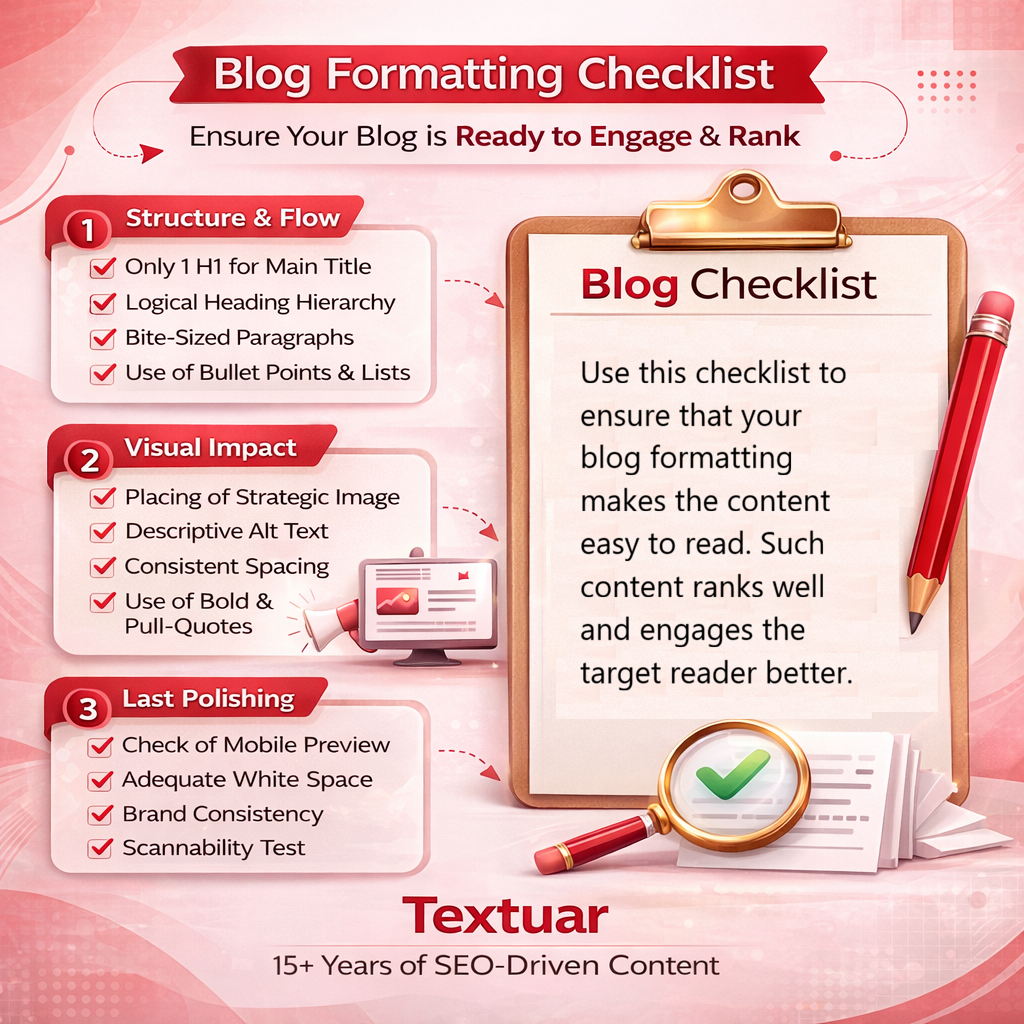
Blog Formatting Checklist
Before posting a blog, you can do a rapid formatting check to make sure that the content is understandable, organized and easy to read. An easy checklist is used to ensure that your layout is friendly to read and that the information is easily available on both desktop and mobile platform.
| Phase | Checklist item | What is it | Why is it important | ✅ Done? |
| 1. Structure and flow | Only 1 H1 for main title | Make sure that you have only one H1 on the page. | Makes the search engines identify precisely what is the core topic without any confusion. | ✅ |
| Logical Heading Hierarchy | There are H2s and H3s of main sections and subsections respectively. | Defines a clear structure to the reader and Google knows the relationships between the content. | ✅ | |
| Bite-Sized Paragraphs | 3-4 sentences in a paragraph (1-2 sentences in mobile). | Avoids the use of wall of text and makes the post look less daunting to read. | ✅ | |
| Use of Bullet Points & Lists | Break up heavy texts (4+ items) into scannable lists. | Makes the text easier to read and emphasis important to the skimmers. | ✅ | |
| 2. Visual Impact | Placing of Strategic Image. | Put photographs alongside the text that they illustrate, not at random. | Illustrate your point and makes things easier to understand. | ✅ |
| Descriptive Alt Text | Write about the picture in a natural manner; provide keywords. | Enables visual impairment users to access your site, and enhance image search search SEO. | ✅ | |
| Consistent Spacing | Equal margins, spacing, and line spacing. | Creates a professional, clean and sleek visual flow. | ✅ | |
| Use of Bold & Pull-Quotes | Highlight 1-2 most important sentences in each section. | Captures the attention of skimmers and brings them again to your main message. | ✅ | |
| 3. Final Polishing | Check of Mobile Preview. | Check on the readability by opening the draft with a smartphone. | The majority traffic on the web is of mobile nature; make text and images attractive on the small screen. | ✅ |
| Adequate White Space | Make sure that the page is not crowded. | De-cognitive loads and makes the reading experience more enjoyable. | ✅ | |
| Brand Consistency | The fonts, colors and image styles are in line with your brand guide. | Gains trust and credibility with your audience by having a unified appearance. | ✅ | |
| Scannability Test | Does a reader understand the key details with the help of H2s and bold texts? | Makes your post reach time-starved readers. | ✅ | |
To Sum Up
A sound blog structure will enable your audience to easily read through your content besides enhancing interest and searchability. Definite headings, scannable portions, and uniform structure transform good ideas into good blog posts.
If you want professionally structured, SEO-friendly blogs that truly perform, Textuar can help. Our expert blog writers produce content that reads smoothly, ranks well and connects with your audience.
FAQ
Why is hierarchy of heading relevant in a blog post?
Hierarchy gives a logical flow to the reader and search engine. Proper use of H2 and H3 tags ensures that your content is properly organized to be easier to navigate as well as enhancing the SEO.
What is the ideal length of a blog post paragraph?
The paragraphs in the blog should be concise in nature; that is, they need not be more than two or three sentences. This enables white space, which facilitates your content to be scanned and consumed on the desktop and mobile screens.
When should you use bullet points in a blog?
Complex information, steps, or other important features should be presented in bullet points or numbered lists. Lists divide the text into visual parts and assist organize the information in a scan-readable format.
What is the importance of alt text to blog images?
Alt text is used to explain images to a search engine and blind people. It enhances accessibility and makes your images visible in the search Google Image, which improves the overall SEO.
How blog formatting improves engagement?
Clear structure with regular spacing, few lines in paragraphs, and images enable the readers to read through the post easily. This enhances user experience, which prolongs the stay of visitors on the page and lowers the bounce rates.
When is a blog formatting checklist needed?
Formatting checklist is used to check that your layout is clean and easy to read before publication. It checks such aspects as headings, spacing, and images to make a professional and neat post.